


您现在将离开我们的网站并进入不受我们控制的第三方网站。
支付方式
通过在线和移动理财服务,可以在几乎任何地方轻松、自信地办理银行业务。
Secure and easy checkouts with Google Pay
How to set up Google Pay
Setting up Google Pay on your Android device and adding your TD Access Card2 or eligible TD Visa Credit Card is simple and straightforward.
如何使用Google Pay进行消费
-
1
Open the Google Wallet app
Simply unlock your Android device.
-
2
将设备放到销售终端完成付款
Tap or hold your phone over the merchant's card reader and once the payment is complete, look for the checkmark. 就这么简单!
Tap to pay everywhere Google Pay is accepted. If you have Google Pay on your Watch, just double-click the crown button on your watch, twist your wrist, and hold your watch face near the terminal until you hear a sound or feel vibration.
Where can I use Google Pay for contactless payments?
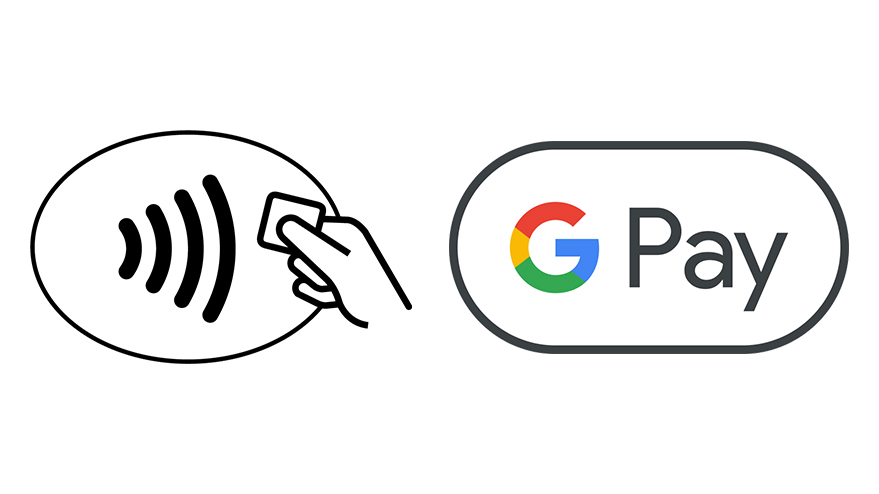
Google Pay is already widely accepted by shops, restaurants and other retailers, and its availability is continuously growing. Use Google Pay wherever contactless payments are accepted.
Keep in mind that some merchants with these symbols on their card readers may still not be set up to accept contactless payments yet, including Google Pay.
Eligible TD Credit Cards for Google Pay
These TD Visa Credit Cards, in addition to your personal TD Access Card2, can be added to Google Pay: